
Ultimate Guide to Streaming Releases for Binge-Watchers
Everybody loves the idea of endless streaming, but most people spend over 25 minutes a night just scrolling for something to watch. You might think having so many options means you will always find the perfect show on demand. The truth is that the key to unlocking a truly satisfying streaming experience is not about more choices, but about how you choose them in the first place.
Table of Contents
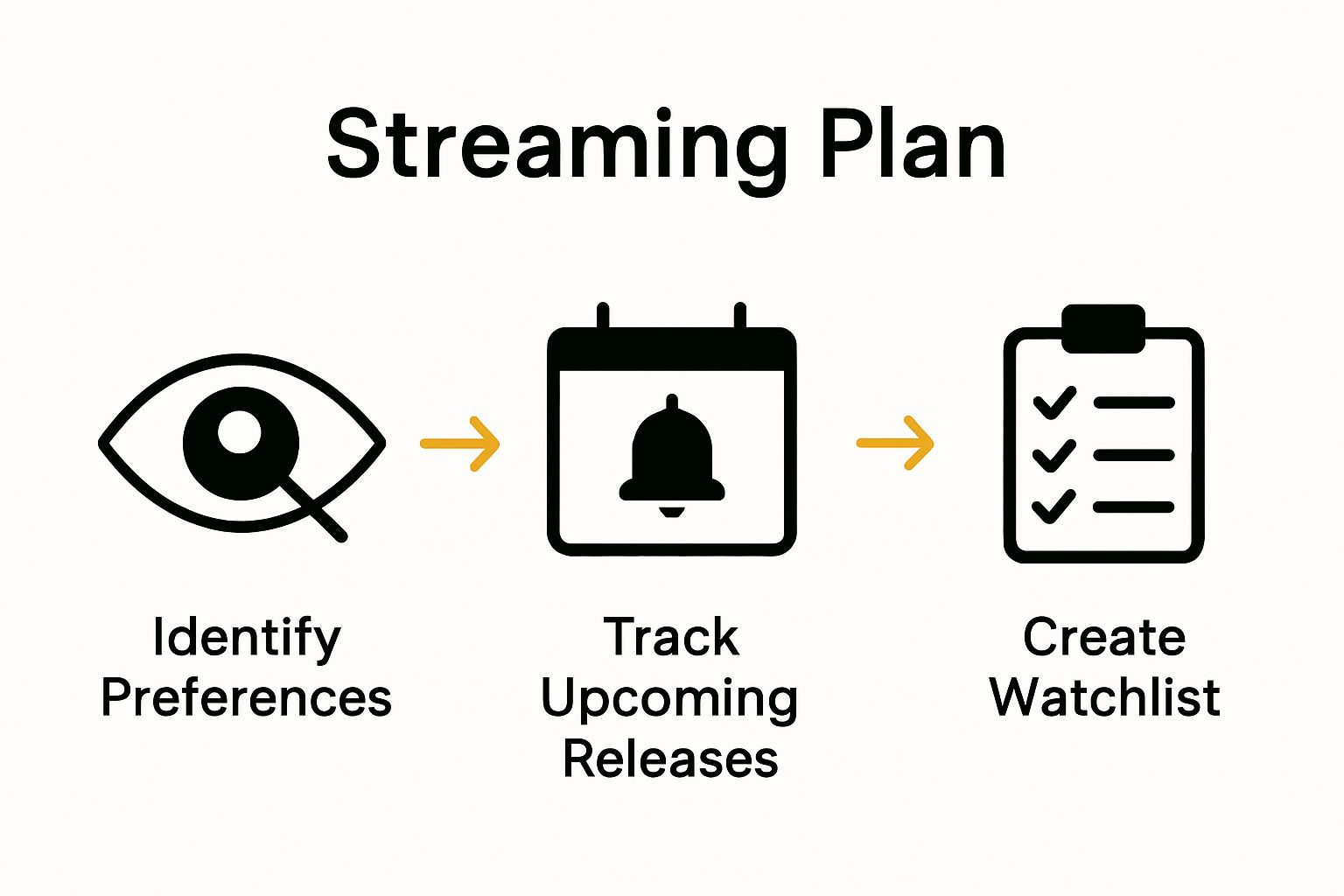
- Step 1: Identify Your Streaming Preferences
- Step 2: Research Upcoming Streaming Releases
- Step 3: Create A Watchlist On Streaming Platforms
- Step 4: Set Up Notifications For New Releases
- Step 5: Test Your Streaming Setup For Quality Viewing
Quick Summary
| Key Point | Explanation |
|---|---|
| 1. Identify Your Viewing Preferences | Assess your viewing habits to curate a personalized streaming experience tailored to your tastes. |
| 2. Research Upcoming Releases | Create a system to track new content matching your entertainment profile and preferences. |
| 3. Curate an Organized Watchlist | Develop a watchlist using tags to categorize your selections for better management and enjoyment. |
| 4. Set Up Effective Notifications | Use built-in notifications and third-party tools to stay updated on releases without feeling overwhelmed. |
| 5. Optimize Your Technical Setup | Ensure a strong internet connection and suitable devices for the best streaming experience. |
Step 1: Identify Your Streaming Preferences
Unlocking your perfect streaming experience begins with understanding your personal entertainment preferences. This crucial first step transforms random viewing into a curated, enjoyable journey tailored specifically to your tastes. By carefully analyzing your viewing habits, interests, and content consumption patterns, you can optimize your streaming strategy and eliminate endless scrolling.
Understanding Your Entertainment Appetite
Start by conducting an honest self-assessment of your viewing history. Consider the genres you gravitate towards most frequently. Are you drawn to intense crime dramas, light hearted comedies, documentary deep dives, or international cinema? Take time to reflect on shows and movies that have genuinely captivated you in the past. Pay attention to recurring themes, storytelling styles, and emotional responses that consistently engage you.
Streaming platforms have evolved to offer incredibly personalized recommendations, but these algorithms work best when you provide clear input. Check out our guide on finding your perfect streaming match to understand how your viewing preferences translate into targeted content selection. Most streaming services offer genre filters, recommendation engines, and watchlist features that can help refine your search.
To systematically map your entertainment preferences, create a quick inventory of your favorite shows across different platforms. Look for common threads such as:
- Preferred storytelling pacing (fast action vs. slow burn)
- Emotional tone (dramatic, comedic, suspenseful)
- Production quality and cinematography style
- Cultural or geographical settings
This methodical approach transforms random viewing into an intentional, satisfying experience. By understanding your unique entertainment DNA, you’ll spend less time searching and more time enjoying precisely the content that resonates with you. The goal is not just consuming media, but curating a personalized streaming experience that feels like it was designed exclusively for your enjoyment.
The table below summarizes the main steps in optimizing your binge-watching routine, including the purpose of each step and what you accomplish by completing it.
| Step | Purpose | Key Outcome |
|---|---|---|
| Identify Preferences | Analyze your viewing habits to pinpoint favorite genres and themes | Personalized viewing experience, less scrolling |
| Research Releases | Track upcoming shows and movies that align with your interests | Up-to-date knowledge of releases, tailored selections |
| Create Watchlist | Organize preferred content across platforms using lists and tags | Efficient management, easier decision-making |
| Set Up Notifications | Enable alerts for new releases on platforms and third-party apps | Timely updates, never miss premieres |
| Test Setup | Optimize internet and devices for seamless streaming | Quality viewing with minimal interruptions |
Step 2: Research Upcoming Streaming Releases
Transitioning from understanding your viewing preferences, the next critical phase involves strategically researching upcoming streaming releases. This step transforms passive viewing into proactive entertainment selection, ensuring you never miss anticipated shows or movies that perfectly align with your newly defined tastes.
Navigating the Streaming Release Landscape
Streamlining your research requires a multifaceted approach that combines several information channels. Start by creating a centralized tracking system for upcoming releases across different streaming platforms. Social media platforms, entertainment news websites, and official streaming platform announcements serve as primary intelligence sources for discovering new content.
Develop a systematic method for collecting information. Follow official streaming platform social media accounts, subscribe to entertainment newsletters, and bookmark dedicated entertainment news websites. Learn more about understanding streaming premieres to refine your research strategy. These sources provide early insights into upcoming releases, including trailers, cast details, and potential premiere dates.
Consider creating a dedicated digital tracking tool to consolidate your research. Many streaming enthusiasts use spreadsheets, dedicated apps, or specialized websites to compile upcoming releases. Your tracking system should capture essential details such as:
- Streaming platform
- Show or movie title
- Expected release date
- Genre and preliminary ratings
- Reason for personal interest
Utilize recommendation algorithms on streaming platforms to supplement your manual research. Most services offer predictive suggestions based on your viewing history, which can reveal upcoming releases tailored to your preferences. Set aside dedicated time each week to review these recommendations, cross-referencing them with external sources to build a comprehensive upcoming releases calendar.
Successful completion of this research step means having a clear, organized overview of potential future viewing options that match your entertainment profile. Your curated list should excite you, representing a personalized roadmap of entertainment possibilities across multiple streaming platforms.
Step 3: Create a Watchlist on Streaming Platforms
With your entertainment preferences identified and upcoming releases researched, the next strategic move is constructing a comprehensive watchlist across streaming platforms. This organizational step transforms your entertainment planning from passive browsing to intentional content consumption.
Mastering the Digital Watchlist
Approach your watchlist creation as a personalized content curation project. Each streaming platform offers unique watchlist features, so familiarize yourself with the specific tools available on Netflix, Hulu, Amazon Prime, and others. Begin by logging into each platform and exploring their “Add to Watchlist” or “My List” functionalities. Discover more about optimizing your streaming experience to make the most of these features.
Effective watchlist management requires more than simply clicking “add”. Develop a systematic approach by categorizing your selections. Consider creating mental or digital tags for your entries such as “Weekend Binge”, “Quick Episode”, “Recommended by Friend”, or “High Priority”. This nuanced organization helps you navigate your growing list more efficiently, especially when you have limited viewing time.
Be strategic about list maintenance. Not every intriguing show needs immediate addition to your watchlist. Apply a critical filter by asking yourself key questions:
- Does this align with my entertainment preferences?
- Do I have genuine time to watch this series?
- Is this a long-term commitment or a short-term interest?
- Will this show provide genuine entertainment value?
Remember that streaming platforms often provide recommendation algorithms that improve with consistent interaction. Actively rating shows you’ve watched, removing completed series, and regularly updating your watchlist helps these systems generate more accurate suggestions. Your watchlist is a dynamic tool that should evolve with your changing entertainment interests.
Successful watchlist creation means having a thoughtfully curated collection of content that excites you, matches your available time, and represents a balanced mix of genres and formats. The goal is not quantity, but a personalized entertainment roadmap that feels tailored specifically to your viewing habits and preferences.
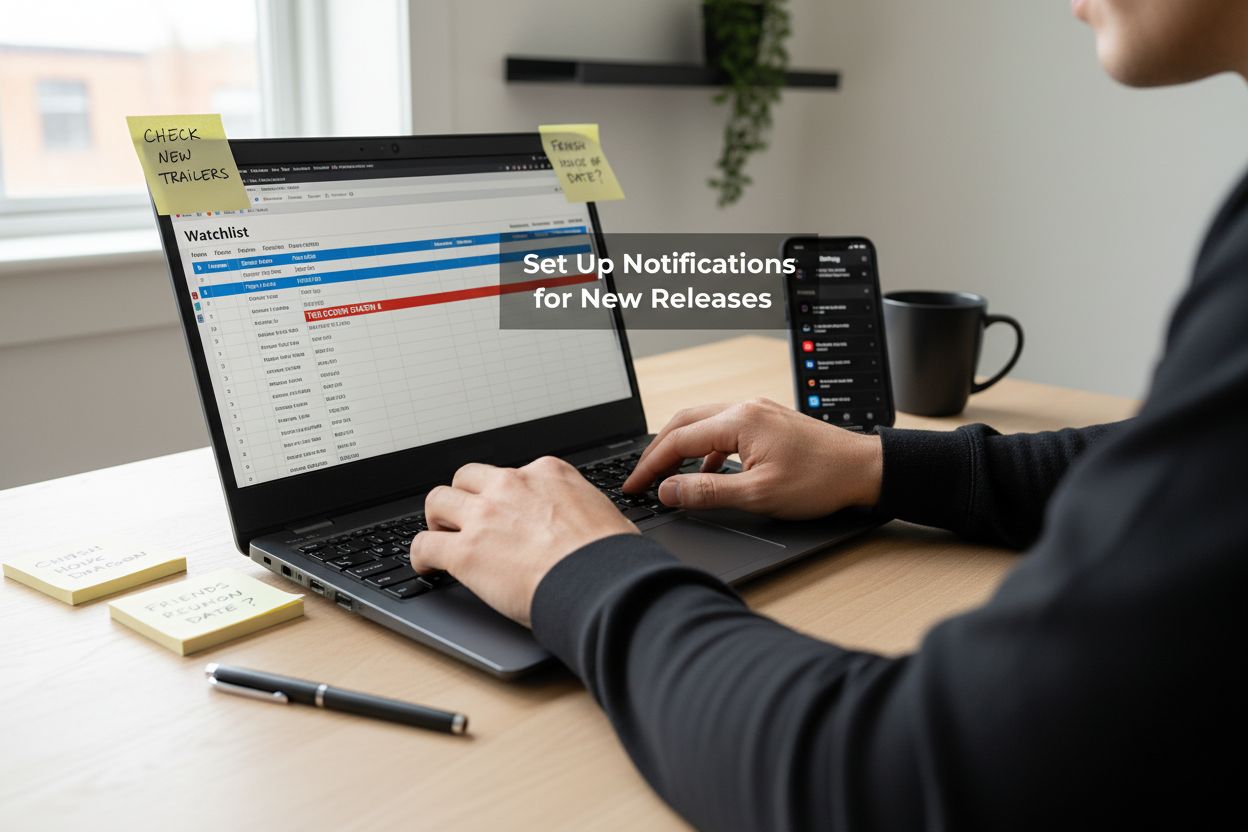
Step 4: Set Up Notifications for New Releases
With your watchlist carefully curated, the next crucial step involves creating a robust notification system that keeps you informed about new releases, preventing you from missing exciting content. This strategic approach transforms passive waiting into active anticipation.
Crafting a Comprehensive Notification Strategy
Begin by understanding the native notification features of each streaming platform. Most services like Netflix, Hulu, and Amazon Prime offer built-in alert systems that can notify you about new seasons, upcoming episodes, or releases in your preferred genres. Customize these settings meticulously, ensuring you receive timely and relevant updates. Learn how to optimize your content tracking using smart alert systems to maximize your streaming experience.
Expand your notification ecosystem beyond individual streaming platforms. Leverage third-party apps and services designed specifically for entertainment tracking. Social media platforms, entertainment news websites, and dedicated mobile applications can provide comprehensive release notifications. Consider using tools that aggregate information across multiple streaming services, creating a centralized notification hub tailored to your viewing preferences.
Develop a strategic approach to managing these notifications to prevent information overload. Choose notification methods that suit your lifestyle and preferences:
- Email alerts for detailed release information
- Push notifications on mobile devices for immediate updates
- SMS alerts for time-sensitive premiere announcements
- Browser extensions for real-time tracking
Remember that effective notification management is about quality, not quantity. Regularly review and refine your notification settings, removing redundant alerts and focusing on sources that provide the most valuable and timely information. Some streaming enthusiasts create dedicated email folders or use specialized apps to organize their entertainment notifications, ensuring they never miss an important release.
Successful notification setup means having a streamlined, personalized system that keeps you informed without overwhelming you. Your goal is to transform the waiting period between releases into an exciting anticipation, with precisely timed and relevant updates that enhance your streaming experience.
This table compares notification methods you can use for staying informed about new streaming releases, helping you select the best option for your preferences.
| Notification Method | How It Works | Best For |
|---|---|---|
| Email Alerts | Receive detailed release info in your inbox | In-depth updates, easy archiving |
| Push Notifications | Immediate alerts on your phone or device | Quick updates, on-the-go use |
| SMS Alerts | Text messages for time-sensitive premieres | Urgent reminders, direct access |
| Browser Extensions | Pop-ups or badges on your web browser | Real-time tracking on desktop |
| Third-Party Apps | Aggregated notifications across services | Centralized alerts, multiple platforms |
Step 5: Test Your Streaming Setup for Quality Viewing
After meticulously crafting your streaming strategy, the final preparatory step involves ensuring a seamless technical environment that supports your binge-watching experience. This critical phase transforms your carefully curated watchlist from potential entertainment into an actual viewing pleasure.
Optimizing Your Streaming Technical Infrastructure
Begin by conducting a comprehensive assessment of your internet connectivity and streaming devices. According to federal guidelines, reliable streaming requires specific technical parameters that directly impact your viewing experience. Internet speed, device compatibility, and network stability form the foundational triad of quality streaming.
Approach your technical setup as a strategic optimization project. Start by running multiple internet speed tests at different times of day to understand your network’s consistent performance. Modern streaming demands more than basic connectivity. Pay attention to upload and download speeds, latency, and potential network congestion periods. Consider investing in a reliable router that supports multiple simultaneous connections and offers advanced bandwidth management features.
Evaluate your streaming devices with the same meticulous approach you applied to your content selection. Not all smart TVs, streaming sticks, or gaming consoles are created equal. Some devices offer superior streaming quality, better app integration, and more responsive interfaces. Consider these key assessment criteria:
- Device processing power
- Supported streaming resolution (HD, 4K, HDR)
- App compatibility across different platforms
- Ease of software updates
- Connection stability
Technical preparedness extends beyond hardware.
 Optimize your home network by positioning Wi-Fi routers strategically, minimizing electronic interference, and potentially investing in mesh network systems for broader, more consistent coverage. Create a dedicated streaming profile on your devices that prioritizes entertainment applications and minimizes background processes that might compromise performance.
Successful setup verification means experiencing crystal-clear video, minimal buffering, and seamless transitions between shows. Your streaming environment should feel like a personalized entertainment command center, ready to deliver content exactly when and how you want it.
Never Miss a Streaming Premiere Again: Make Every Binge Count
Endless scrolling and missed premieres can turn your binge-watching excitement into frustration. If you are tired of wasting time searching for new shows, juggling multiple watchlists, or feeling left behind when the latest streaming releases drop, you are not alone. The article highlighted the need for organized watchlists, timely notifications, and a seamless strategy to truly enjoy what you love. With so many platforms and premiere dates to track, keeping up with everything on your own feels overwhelming.
Why settle for random viewing when you can enjoy curated, up-to-date guides at your fingertips? Sparetimetv.com gives you an edge by centralizing detailed streaming schedules, trending titles, and top recommendations in an easy-to-navigate format. Want to stop guessing what to watch next or which shows are launching soon? Get started with our latest streaming premieres calendar and explore personalized suggestions on what to stream tonight. Make your next binge session the best one yet with timely updates, smarter recommendations, and instant access to everything TV and movies. Visit Sparetimetv.com now to take control of your streaming experience.
Frequently Asked Questions
What are the best strategies for identifying my streaming preferences?
To identify your streaming preferences, conduct a self-assessment of your viewing history. Reflect on the genres you enjoy, the themes that engage you, and the emotional responses that resonate. Create an inventory of your favorite shows and look for common threads in storytelling styles and tones.
How can I stay updated on upcoming streaming releases?
To stay updated on upcoming streaming releases, create a centralized tracking system that combines various information channels. Follow official streaming platform social media accounts, subscribe to entertainment newsletters, and utilize dedicated entertainment news websites to discover new content. Consider developing a digital tracking tool to organize your findings.
What is the best way to create and manage a watchlist on streaming platforms?
To create and manage a watchlist effectively, familiarize yourself with the specific tools each streaming platform offers. Categorize your choices based on different themes or priorities, and regularly review your list to remove completed shows and add new interests. Ensure your watchlist reflects your current entertainment preferences to enhance your viewing experience.
How can I set up notifications for new streaming releases?
To set up notifications for new streaming releases, understand the native notification features provided by each streaming platform. Customize your settings to ensure you receive updates on new seasons and episodes. Additionally, consider using third-party apps that aggregate information across multiple services, so you don’t miss anything relevant to your interests.