
Step by Step Streaming Guide: Master Your Binge-Watching. Setting up a perfect streaming setup sounds simple. Yet more than 70% of US households still struggle with lag and confusing platform choices. Most people think picking a service and hitting play is all it takes but there’s way more science and strategy behind creating a binge-watching space you’ll actually love. The unexpected truth is that your viewing experience can double in quality just by changing a few overlooked details.
Table of Contents
- Step 1: Choose Your Streaming Platforms
- Step 2: Create and Set Up Your Accounts
- Step 3: Install Necessary Apps or Devices
- Step 4: Organize Your Watchlist Efficiently
- Step 5: Test Streaming Quality and Settings
- Step 6: Optimize Your Viewing Environment
Quick Summary
| Key Point | Explanation |
|---|---|
| 1. Choose your streaming platforms wisely | Assess your needs and preferences to find platforms that align with your viewing habits and budget. |
| 2. Create secure accounts with unique credentials | Use strong, unique passwords and enable two-factor authentication to protect your personal information. |
| 3. Test your streaming setup before watching | Verify internet speed and app functionality to ensure smooth playback across devices and platforms. |
| 4. Optimize your viewing environment effectively | Create a comfortable space with proper lighting and sound to enhance your overall viewing experience. |
| 5. Organize your watchlist strategically | Maintain a well-structured watchlist to maximize enjoyment and minimize time spent searching for content. |
Step 1: Choose Your Streaming Platforms
Selecting the right streaming platforms is the foundational step in creating an epic binge-watching experience. Your platform choices will determine the range of content available, the quality of your viewing, and ultimately, how much entertainment satisfaction you can achieve.
Begin by taking stock of your entertainment preferences and viewing habits. Some people prefer movie-heavy platforms, while others are more interested in specific television series or original content. Consider your budget, as multiple subscriptions can quickly add up. Most streaming services offer monthly or annual plans, with prices ranging from $6.99 to $19.99 per month.
Popular Platforms to Consider:
- Netflix: Known for extensive original content and diverse library
- Hulu: Great for current TV shows and next-day episodes
- Amazon Prime Video: Includes streaming with Prime membership
- Disney+: Ideal for family content and franchise collections
- HBO Max: Premium content and critically acclaimed series
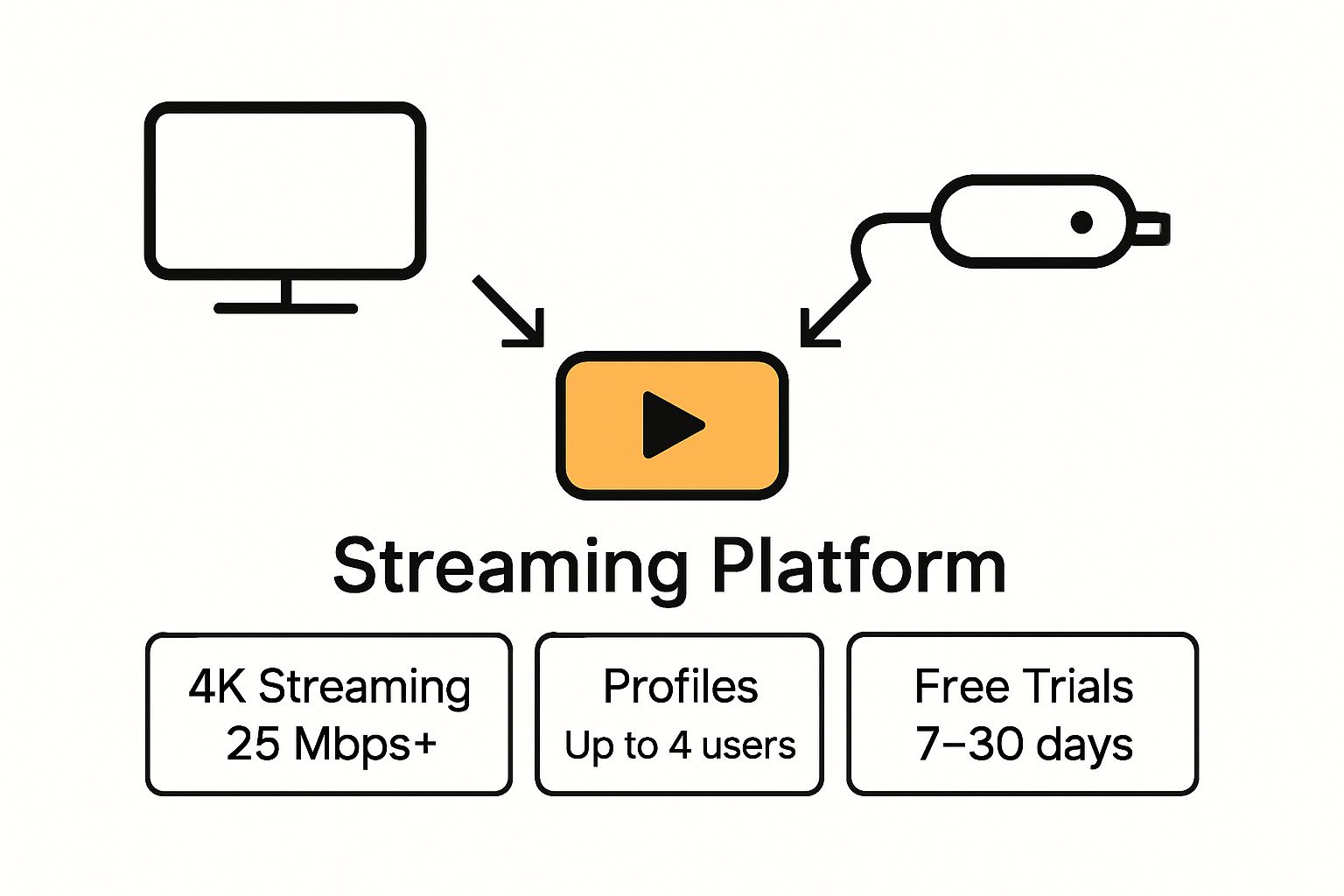
Take time to explore each platform’s free trial period. Most services offer 7-30 day trials, allowing you to test the interface, content quality, and streaming performance before committing financially. Pay attention to device compatibility as well. Some platforms work better on specific smart TVs, gaming consoles, or streaming devices like Roku or Apple TV.
Review each platform’s unique features. Some offer 4K streaming, offline downloads, multiple user profiles, and personalized recommendations. Create a comparison spreadsheet tracking monthly cost, content library, streaming quality, and special features to help make an informed decision.
Consider your household’s collective viewing interests. If you have multiple family members with different preferences, look for platforms offering multiple user profiles or simultaneous streaming options. This ensures everyone gets their preferred entertainment without conflict.
Finally, check internet bandwidth requirements. High-quality streaming demands stable, fast internet connections. Most 4K streaming requires at least 25 Mbps download speeds. Confirm your current internet plan supports the streaming quality you desire before investing in multiple platform subscriptions.
Successful platform selection means having a curated collection of streaming services that match your entertainment appetite without overwhelming your budget.
Below is a comparison table of popular streaming platforms, summarizing their key content strengths, notable features, and typical monthly costs mentioned in the guide.
| Platform | Key Content Strength | Notable Features | Monthly Cost Range |
|---|---|---|---|
| Netflix | Originals, diverse library | 4K, personalized profiles, downloads | $6.99 – $19.99 |
| Hulu | Current TV shows, next-day episodes | Add-ons, new releases, live TV | $7.99 – $17.99 |
| Amazon Prime Video | Movies & shows, bundled with Prime | Offline viewing, X-Ray, free shipping | $8.99 (or with Prime) |
| Disney+ | Family content, franchises | GroupWatch, downloads, kid profiles | $7.99 – $10.99 |
| HBO Max | Premium series, movies | 4K, simultaneous streams, profiles | $9.99 – $19.99 |
Step 2: Create and Set Up Your Accounts
After selecting your preferred streaming platforms, the next critical phase is creating and configuring your accounts. This step transforms your platform selections into personalized entertainment experiences, ensuring smooth and secure access to your favorite content.
Start by gathering essential information before beginning the account creation process. Prepare a dedicated email address specifically for streaming services. Using a separate email helps manage subscriptions, reduces potential spam, and keeps your primary email inbox clutter-free. Consider creating a free email account through providers like Gmail or ProtonMail that offer robust security features.
When creating accounts, prioritize security from the start. The Federal Trade Commission recommends implementing strong password practices to protect your personal information. Generate unique, complex passwords for each streaming platform. Utilize password management tools like LastPass or 1Password to generate and securely store these credentials.
Key Account Setup Recommendations:
- Use strong, unique passwords for each platform
- Enable two-factor authentication whenever possible
- Link a secure payment method
- Create distinct user profiles for household members
Pay close attention to payment options during account setup. Most platforms offer multiple payment methods including credit cards, PayPal, and digital wallets. Select a payment method that provides fraud protection and allows easy subscription management. Some credit cards offer additional benefits like extended free trials or cashback on streaming service purchases.
Personalize your account experience by setting up individual user profiles. Many streaming platforms allow multiple profiles within a single subscription, enabling personalized recommendations and watch histories for different household members. Take time to adjust settings like parental controls, content preferences, and viewing restrictions to create a tailored entertainment environment.
Review subscription terms carefully before finalizing. Understand cancellation policies, billing cycles, and potential promotional pricing that might change after initial signup. Some platforms offer discounted rates for annual subscriptions, which can provide significant savings compared to monthly billing.
Verify account access by logging in across different devices you plan to use for streaming. Test login credentials on smartphones, smart TVs, tablets, and computers to ensure seamless connectivity. This proactive approach prevents frustration during your future binge-watching sessions and confirms your accounts are fully functional.
Step 3: Install Necessary Apps or Devices
Installing the right apps and configuring devices is the technical bridge between your streaming accounts and actual entertainment consumption. This crucial step determines the quality, accessibility, and overall convenience of your binge-watching experience.
Compatibility is key when selecting devices and apps for streaming. Modern smart TVs, gaming consoles, streaming devices, and mobile platforms offer different levels of streaming support. Begin by checking the specific requirements for each streaming service you selected in previous steps. Most platforms have dedicated apps for major operating systems like iOS, Android, Windows, and smart TV platforms such as Roku, Apple TV, and Amazon Fire TV.
For smart TV users, navigate to your television’s app store and download streaming platform applications directly. Samsung, LG, and other manufacturers typically have built-in app stores with most popular streaming services readily available. If using a smart TV with limited app options, consider alternative devices like Roku, Chromecast, or Amazon Fire TV Stick that provide broader streaming compatibility.
Recommended Streaming Devices:
- Roku Streaming Stick: Universal compatibility
- Apple TV 4K: High-quality streaming for Apple ecosystem
- Amazon Fire TV Stick: Budget-friendly option
- Chromecast with Google TV: Versatile casting capabilities
- NVIDIA Shield TV: Premium streaming and gaming device
Mobile device users should prioritize downloading official streaming apps from authorized app stores. Always download directly from Apple App Store or Google Play Store to ensure security and receive regular updates. Check your smartphone or tablet’s storage capacity, as streaming apps can consume significant space, especially when downloading content for offline viewing.
According to technology research from Statista, over 50% of US households now use smart TV devices, indicating the growing importance of seamless app integration. Ensure your home network supports streaming demands by verifying internet speed and potentially upgrading your router to handle multiple simultaneous streams.
Consider creating a dedicated home entertainment network setup. This might involve using ethernet connections for smart TVs or streaming devices to ensure stable, high-quality streaming. Wireless connections work well but can experience intermittent performance issues during peak usage times.
Finally, test each installed app thoroughly. Log into your accounts, verify smooth playback, and explore interface features. Check video quality settings, download capabilities, and cross-device synchronization. A successful installation means you can effortlessly switch between devices while maintaining your watch history and recommendations.
Step 4: Organize Your Watchlist Efficiently
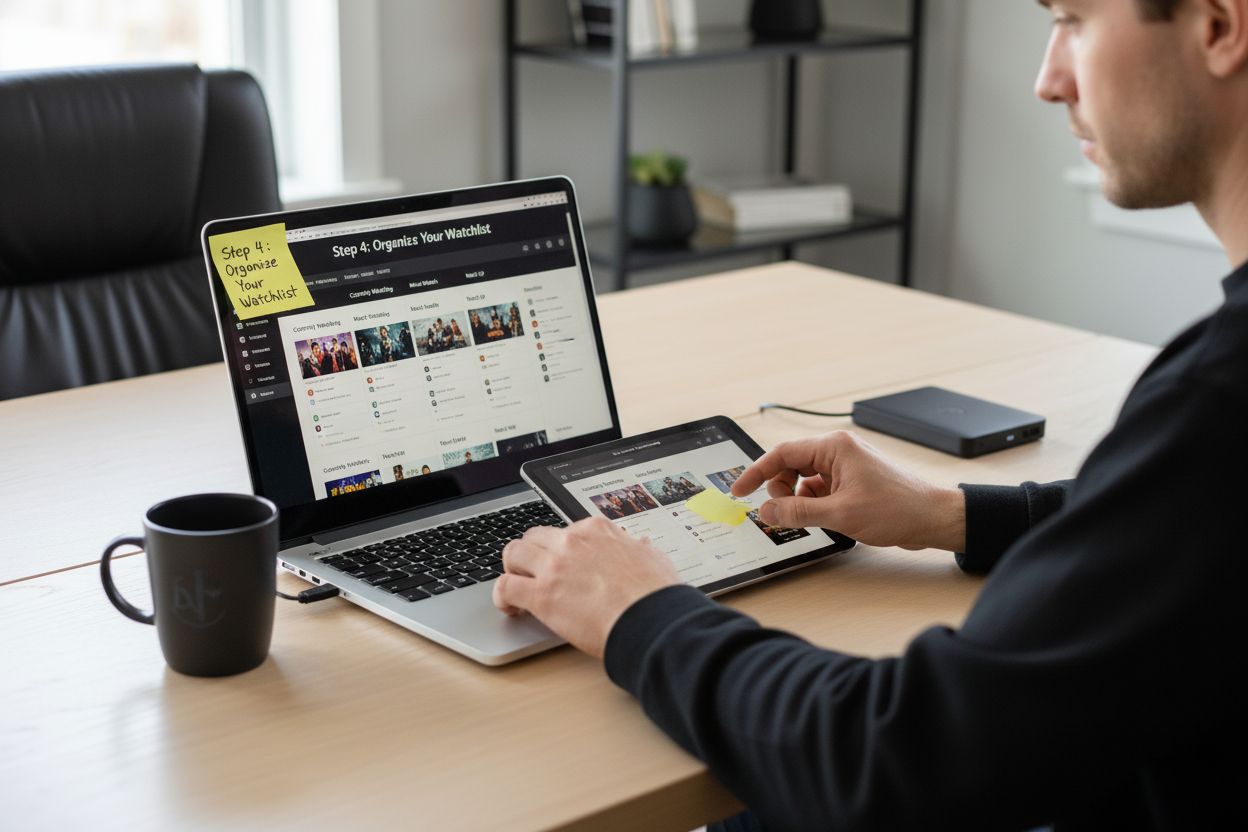
Creating a well-structured watchlist transforms random browsing into a strategic entertainment experience. Your watchlist becomes a personalized roadmap, ensuring you never waste time searching for something to watch and maximizing your streaming platform investment.
Digital organization is your secret weapon in managing multiple streaming platforms. Most services offer built-in watchlist or “My List” features that allow you to bookmark and categorize content. Take time to explore these native tools, which often provide sophisticated sorting options beyond simple saved selections.
Begin by conducting an initial content audit across your chosen platforms. Review recommendations, trending sections, and genre collections to identify shows and movies that genuinely interest you. Avoid impulsive additions by implementing a simple screening process. Ask yourself three quick questions before adding content: Do I have time to watch this? Does this align with my current mood? Have I heard positive recommendations?
Recommended Watchlist Categories:
- Currently Watching
- Must Watch
- Potential Weekend Binge
- Recommendations from Friends
- Background Noise Shows
Research from Nielsen Media indicates that viewers with organized watchlists spend 30% less time searching and 40% more time actually enjoying content. Consider using third-party apps or spreadsheet tracking if your streaming platforms lack robust organizational tools. Apps like Trakt offer cross-platform tracking and detailed viewing statistics.
Implement a periodic review system for your watchlist. Set a monthly reminder to prune and refresh your saved content. Remove shows you no longer find interesting, update your progress, and reassess your viewing priorities. This maintenance prevents list bloat and keeps your entertainment options fresh and exciting.
Utilize platform-specific features like viewing history, recommendation algorithms, and personalization settings to refine your watchlist. Many streaming services now offer advanced filtering options that allow you to sort content by genre, release year, critic ratings, and viewing time. These tools help you create a more targeted and enjoyable viewing experience.
Consider creating separate watchlists for different moods or occasions. You might want a list for intense dramas, another for light comedies, and a third for background shows during household chores. This strategy ensures you always have the perfect content ready, regardless of your current energy level or available time.
Verify your watchlist’s effectiveness by tracking how quickly you move through saved content and your overall satisfaction. A well-organized watchlist should feel like a curated entertainment library, not an overwhelming collection of random titles.
 Adjust your approach continuously, treating your watchlist as a dynamic, evolving entertainment resource.
Step 5: Test Streaming Quality and Settings
Testing your streaming quality and configuration is the technical checkpoint that ensures a smooth, enjoyable viewing experience across all your platforms. This step transforms your setup from theoretical to practical, identifying potential performance issues before they interrupt your favorite shows.
Internet speed is the foundation of excellent streaming performance. Most streaming services recommend minimum speeds ranging from 5 Mbps for standard definition to 25 Mbps for 4K content. Use online speed test tools like Speedtest.net to measure your current internet performance. Run multiple tests at different times of day to understand your network’s consistent capabilities.
According to the Pew Research Center, over 70% of households experience variable internet speeds. Recognize that peak usage times can dramatically impact streaming quality. Test your internet speed during evening hours when network congestion is highest to get a realistic performance assessment.
Key Streaming Quality Parameters:
- Video resolution (SD, HD, 4K)
- Audio quality settings
- Buffering time
- Auto-play and recommended content features
- Subtitle and accessibility options
Explore each streaming platform’s advanced settings thoroughly. Most services offer granular control over streaming quality, allowing you to balance video resolution with data consumption. On mobile devices or limited data plans, consider manually setting lower resolution to prevent unexpected data overages. Smart TVs and dedicated streaming devices often provide additional picture calibration options to optimize display performance.
Conduct comprehensive playback tests across different devices and network conditions. Start a show on your smart TV, then immediately continue on a mobile device to verify synchronization. Check how quickly streams load, assess audio/video synchronization, and monitor overall picture clarity. Pay special attention to transition smoothness between different platforms and user profiles.
Understand your home network’s limitations. If you experience consistent streaming issues, consider investing in a mesh network system or upgrading your router. Modern routers with dual-band or tri-band capabilities can significantly improve streaming performance, especially in households with multiple connected devices.
Create a simple troubleshooting checklist for ongoing maintenance. Document your ideal settings, internet speed requirements, and potential quick fixes for common streaming interruptions. This proactive approach transforms technical challenges from frustrating mysteries into manageable tasks.
Verify your streaming setup’s success by enjoying uninterrupted content across multiple devices.
Here is a checklist table to help verify and optimize your streaming quality and settings before diving into your favorite content.
| Task to Verify | How to Check or Adjust | Ideal Outcome |
|---|---|---|
| Test Internet Speed | Use Speedtest.net at different times | Meets or exceeds platform requirements |
| Check Video Resolution | Adjust within app settings | HD or 4K streaming available |
| Audio Settings | Explore sound menu for volume & clarity | Clear, synchronized audio |
| Device Synchronization | Play and resume content on multiple devices | Progress and profiles sync |
| Buffering & Playback | Begin playback during peak hours | Minimal lag, fast loading |
| Subtitles & Accessibility | Enable via platform controls | Accurate subtitles, easy adjustments |
| Data Usage Management | Set quality for mobile/limited plans | No unexpected data overages |
Step 6: Optimize Your Viewing Environment
Creating the perfect viewing environment transforms casual watching into an immersive entertainment experience. This step goes beyond technical setup, focusing on physical comfort, audio-visual quality, and personal wellness during extended streaming sessions.
Lighting plays a critical role in reducing eye strain and enhancing screen visibility. Position your viewing area to minimize screen glare, using ambient lighting or bias lighting behind your television. These soft background lights reduce eye fatigue and improve perceived color contrast without creating distracting reflections. Consider investing in smart LED strips that can automatically adjust based on on-screen content, creating a dynamic viewing atmosphere.
According to ergonomic research from Cornell University, proper seating and positioning are crucial for long-term comfort during entertainment consumption. Choose a chair or couch that supports proper posture, with adequate lower back support and positioning that allows you to maintain a neutral spine angle. Avoid marathon viewing sessions by incorporating periodic stretching and movement breaks.
Optimal Viewing Environment Essentials:
- Adjustable ambient lighting
- Comfortable seating with proper support
- Noise-canceling capabilities
- Temperature-controlled space
- Minimal external distraction zones
Sound quality dramatically impacts your viewing experience. If your television’s built-in speakers feel underwhelming, consider investing in a soundbar or surround sound system. Wireless options provide clean installation without complex wiring. For apartment dwellers or those concerned about noise, wireless headphones with low-latency technology can provide immersive audio without disturbing others.
Personalize your viewing space with comfort-enhancing accessories. Soft throw blankets, ergonomic neck pillows, and strategically placed side tables for snacks and beverages can transform your streaming area into a personalized entertainment sanctuary. Consider temperature control – many viewers prefer slightly cooler rooms during extended watching sessions to prevent drowsiness.
Establish viewing rituals that enhance your overall experience. This might involve preparing specific snacks, using a particular blanket, or creating a pre-watching routine that signals to your brain it’s time to relax. Consistency in these small details can make streaming feel more intentional and enjoyable.
Verify your optimized environment’s success by conducting a test viewing session. Pay attention to physical comfort, audio clarity, visual experience, and overall enjoyment. A perfectly configured viewing space should feel effortless, allowing you to become fully immersed in your chosen content without constant adjustments or discomfort.
Ready for Effortless Streaming Success?
After mastering each step in your streaming setup, what often blocks true binge-watching bliss is wasted time searching for what to watch, missing top premieres, or struggling to keep every schedule straight. If you have ever set up multiple platforms only to feel overwhelmed by choices or frustrated by last-minute content changes, you are not alone. The guide outlined how vital organized watchlists, curated recommendations, and up-to-date streaming information are for an uninterrupted viewing experience.

Take your setup further today by visiting Sparetimetv.com. In just a few clicks, you can find detailed, real-time TV guides and schedules, get instant access to top trending titles across platforms, or discover the latest binge-worthy recommendations. Do not let confusion or missed episodes slow you down. See what is on tonight and start watching smarter now. Visit Sparetimetv.com for your complete entertainment roadmap.
Frequently Asked Questions
How do I choose the right streaming platforms for my binge-watching needs?
Selecting the right streaming platforms involves assessing your viewing preferences, budget, and content types. Create a comparison chart to evaluate monthly costs, available content, and special features for each platform you’re considering.
What should I do to set up my streaming accounts securely?
To set up your streaming accounts securely, use a dedicated email and create strong, unique passwords for each service. Implement two-factor authentication and consider linking a secure payment method to protect your accounts.
How can I efficiently organize my watchlist across multiple streaming platforms?
Organize your watchlist by using built-in features or creating categories such as “Currently Watching” and “Must Watch”. Regularly review and update your list, removing titles you’re no longer interested in to keep it manageable and relevant.
What steps can I take to optimize my internet connection for streaming?
To optimize your internet connection for streaming, run speed tests to ensure you meet the recommended speeds for your chosen services. If necessary, upgrade your router or consider wired connections to improve stability and reduce buffering.
How can I enhance my streaming viewing environment for long sessions?
To enhance your viewing environment, adjust your lighting to avoid glare and use comfortable seating that supports your posture. Incorporate sound quality enhancements, like a soundbar, and establish a cozy setup to make long binge-watching sessions enjoyable.
How can I test the streaming quality of my setup?
Test your streaming quality by playing content on each device and monitor playback for buffering and resolution clarity. Conduct these tests during peak hours to understand real-world performance and adjust your settings accordingly.