
Top Streaming Platforms for Movies – 2025 Comparison. Choosing what to watch can feel overwhelming with so many options out there and dozens of places to check for recommendations or schedules. Some people just want to know what is on tonight while others need up to the minute trends or tailored watchlists. There are tools that can bring order and help you discover fresh favorites or keep up with new releases across TV and streaming platforms. If you want less scrolling and more watching something interesting is waiting for you next. Which service comes out on top depends on what you care about most and the small details might surprise you.
Table of Contents
Spare Time TV
At a Glance
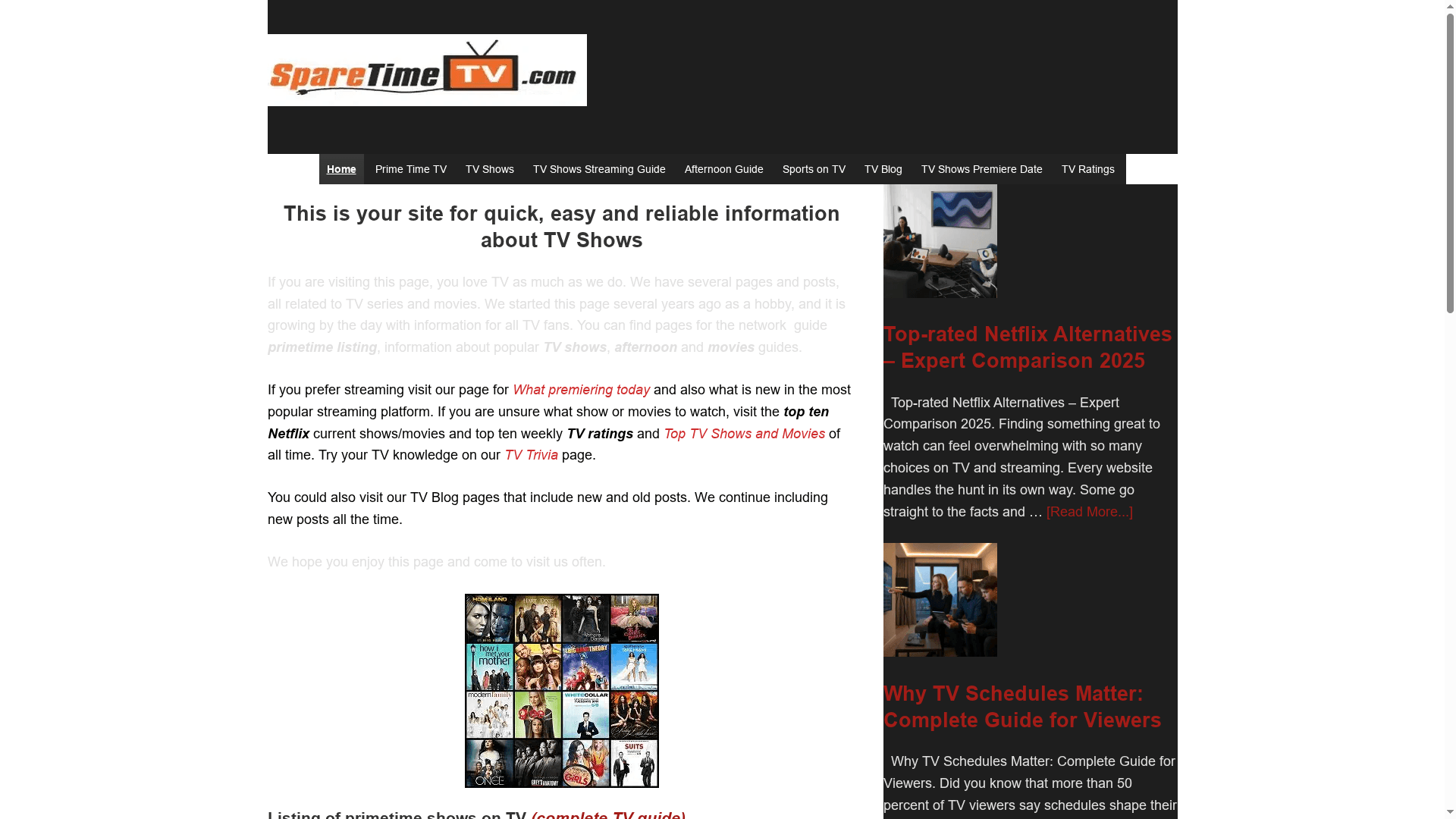
Spare Time TV is a tightly focused information hub for TV and movie fans who want clear, up-to-date schedules and curated recommendations. It delivers primetime listings, streaming premiere alerts, and trending/top-10 lists with minimal fuss — ideal when you just want to know what to watch tonight. Fast, dependable, and regularly updated, Spare Time TV prioritizes timely utility over bells and whistles.
Core Features
Spare Time TV centers on practical features that help viewers make quick viewing decisions: primetime TV listings and schedules, complete show guides organized by network and time, movie guides with descriptions and broadcast schedules, and streaming-premiere information. The site also publishes top-10 current Netflix lists for the US, weekly TV ratings, and special thematic updates (for example, Halloween features and niche highlights like Teenage Mutant Ninja Turtles content), all refreshed on a regular cadence. Content is presented using tables and structured data to make scanning fast and reliable. That said, the site intentionally focuses on listings and editorial guidance rather than extended long-form synopses, personalized algorithmic recommendations, or heavy multimedia — a deliberate design choice that emphasizes clarity and speed for viewers who value quick scheduling and discovery.
Pros
- Comprehensive nightly and upcoming schedules: You can find TV and movie listings for tonight and the days ahead in one tidy place, saving time hunting across networks.
- Covers traditional TV and streaming platforms: The site aggregates both broadcast schedules and streaming premieres, so you don’t have to toggle between sources.
- Clear rankings and trending lists: Regularly updated top-10 and weekly rating lists spotlight what’s popular now, helping you pick shows with confidence.
- Added entertainment value: Trivia and blog posts provide context and fun facts that deepen your viewing experience without overwhelming the core schedule data.
- Consistently updated: Frequent posts and fresh data mean the listings reflect current schedules and timely themes.
Who It’s For
Spare Time TV is built for TV enthusiasts, casual binge-watchers, and anyone who wants an efficient way to plan viewing across broadcast channels and streaming services. If you check schedules before you settle in, enjoy seeing weekly ratings and top lists, or like themed editorial roundups, this site is tailored to your habits. It’s less for users seeking personalized recommendation engines or interactive streaming integrations — intentionally so.
Unique Value Proposition
Spare Time TV’s advantage is its laser focus on the intersection of traditional broadcast schedules and streaming premieres, presented with structured tables and concise editorial updates. Unlike platforms that prioritize algorithmic discovery or multimedia promotion, Spare Time TV treats scheduling accuracy and topical ranking as primary features. That means faster decisions for users: you see primetime lineups, know what’s trending on services like Netflix in the US, and get clear notes on new releases — all in one navigable place. For viewers who value speed, reliability, and curated editorial lists over flashy interfaces, Spare Time TV is the superior choice.
Real World Use Case
Need tonight’s primetime lineup plus what’s dropping on streaming? Visit Spare Time TV, scan the network-by-time tables, check the top-10 Netflix list, and decide your evening within minutes — trivia and blog-sidebars help you pick the perfect companion show.
Pricing
Free — all content accessible without charge.
Website: https://sparetimetv.com
IMDb
At a Glance
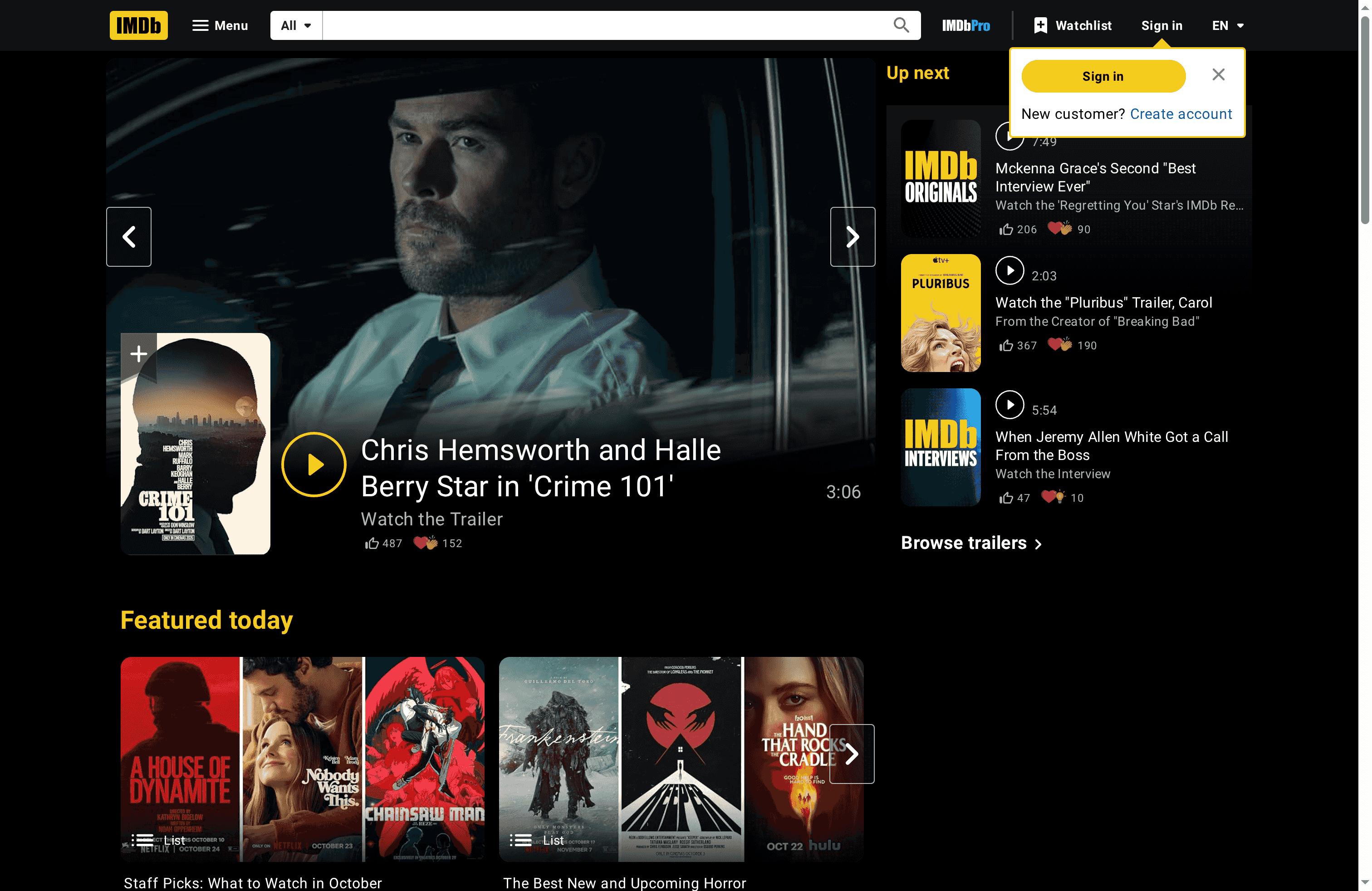
IMDb (Internet Movie Database) is a comprehensive hub for ratings, reviews, trailers, cast details, and streaming information for movies and TV shows. It excels at aggregating broad entertainment data and surfacing trending content and in-depth features that help you decide what to watch. The site can feel dense, but for anyone who wants one place to research releases, read reviews, and watch trailers, IMDb delivers reliable breadth and regular updates. Bottom line: indispensable for discovery and research, but expect a busy interface.
Core Features
IMDb’s core capabilities center on cataloging entertainment: ratings and reviews for movies and TV shows, multimedia like trailers and interviews, curated lists of featured and trending titles, and structured information about upcoming releases and streaming schedules. It also houses celebrity galleries and memorial pages, plus tools that let you customize browsing and explore titles by the streaming services you use.
Pros
- Comprehensive database: IMDb maintains an extensive catalog of movies, TV shows, and celebrities that makes deep research straightforward and efficient.
- Multimedia availability: The site provides trailers and interviews so you can preview tone, visuals, and performances before committing to a title.
- Customizable discovery: Browsing options let you filter and explore content based on streaming services and personal preferences, improving relevance.
- Regularly updated content: Trending and featured lists are refreshed often, which helps you spot new releases and buzzy titles quickly.
- Special features for fans: Galleries and memoriam sections add context and emotional depth for enthusiasts tracking careers and tributes.
Cons
- Overwhelming information density: The volume of content on the site can feel excessive and may slow down decision-making for casual viewers.
- Cluttered navigation: Diverse content types lead to a navigation experience that some users may find cluttered and hard to parse.
- Restricted content behind accounts or subscriptions: Certain features and content may require an account or subscription, limiting immediate access.
- Presence of ads and sponsored sections: Advertising and sponsored content are included on the site, which can interrupt the browsing flow.
Who It’s For
IMDb is ideal for entertainment enthusiasts, movie and TV fans, industry researchers, and casual viewers who want detailed information and data-driven recommendations. If you enjoy diving into cast lists, watching trailers, comparing ratings, or planning a viewing schedule across streaming services, IMDb fits your workflow.
Unique Value Proposition
IMDb’s unique value lies in combining authoritative metadata (ratings, cast, release dates) with multimedia and editorial features into a single searchable database. That mix makes it a one-stop, research-grade reference for both quick discovery and deep dives into entertainment history and current releases.
Real World Use Case
A user researching a new movie can read aggregated reviews and ratings, watch the official trailer, explore cast interviews and galleries, and check where the film will stream — all within the same browsing session to decide whether to watch now or save for later.
Pricing
Free tier available; the site is free to access with optional premium or ad-supported content.
Website: https://imdb.com
JustWatch
At a Glance
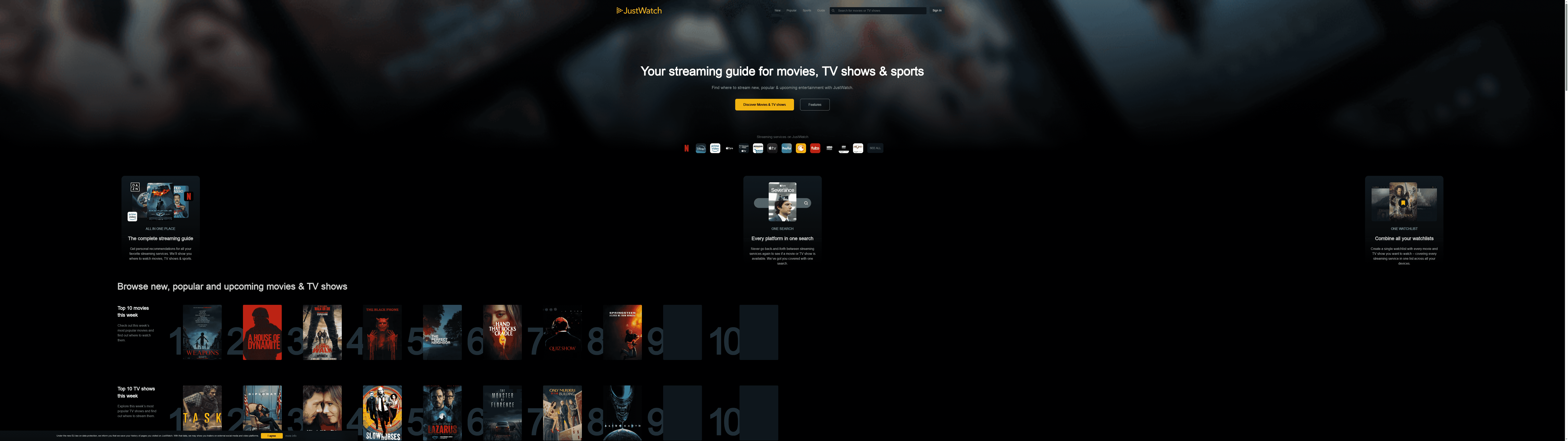
JustWatch is a focused streaming guide that helps you find where to watch movies, TV shows, and sports without hopping between apps. It consolidates availability across multiple services, offers personalized recommendations, and highlights weekly top charts and trending titles. If you juggle more than one streaming subscription, it simplifies discovery and organization—fast. It isn’t a subscription manager, though, so expect some limits on pricing details.
Core Features
JustWatch functions as an all-in-one search engine for streaming availability, letting you locate films and shows across services from a single query. It supports cross-platform watchlists so your saved titles follow you on phones, tablets, and desktop. The service publishes weekly top charts for movies and TV shows and keeps users updated on new releases and popular content. Importantly for sports fans, it groups streaming information by sport and league so you can track where live events are broadcast.
Pros
- Consolidates multiple services into one search: JustWatch pulls availability data from many streaming platforms so you don’t have to search each service individually. This saves time and reduces app toggling.
- Personalized recommendations: The platform tailors suggestions to your tastes, helping you discover new movies and shows relevant to your history and interests.
- Timely updates on new and trending content: Weekly top charts and “new releases” feeds keep you informed about what’s fresh and what’s popular right now.
- Comprehensive sports streaming details: It lists streams by sport and league, making it easier to find live games and sports broadcasts across platforms.
- Cross-device watchlist syncing: Your universal watchlist syncs across devices, so you can add a title on your phone and find it later on your TV or laptop.
Cons
- Limited details on costs or subscriptions: JustWatch doesn’t provide comprehensive information about specific streaming service pricing or subscription tiers, which can leave a gap when you’re comparing options.
- Interface can feel overwhelming: Because it aggregates extensive content, the user interface may appear crowded to some users and require a short adjustment period.
- Dependence on provider data for availability updates: The accuracy and timeliness of content listings rely on streaming providers’ data, so occasional discrepancies or delays can occur.
Who It’s For
JustWatch is ideal for viewers who subscribe to multiple streaming services and want a single place to discover, compare, and save movies, TV shows, and sports events. If you value speed in finding where something streams and keeping a universal watchlist, this is for you.
Unique Value Proposition
JustWatch’s strength is simple: it reduces discovery friction by consolidating availability, recommendations, and trending insights across services in one searchable place. Add sports-specific streaming details, and you have a platform that serves both entertainment and live-event viewers.
Real World Use Case
Imagine you hear about a new movie and want to watch it tonight: you use JustWatch to find which of your subscriptions or rent platforms carries it, add it to your synced watchlist, and scan the weekly charts for related suggestions. At the same time, you can check the sports section to schedule a live match for the weekend.
Pricing
Free to use
Website: https://justwatch.com
Reelgood
At a Glance
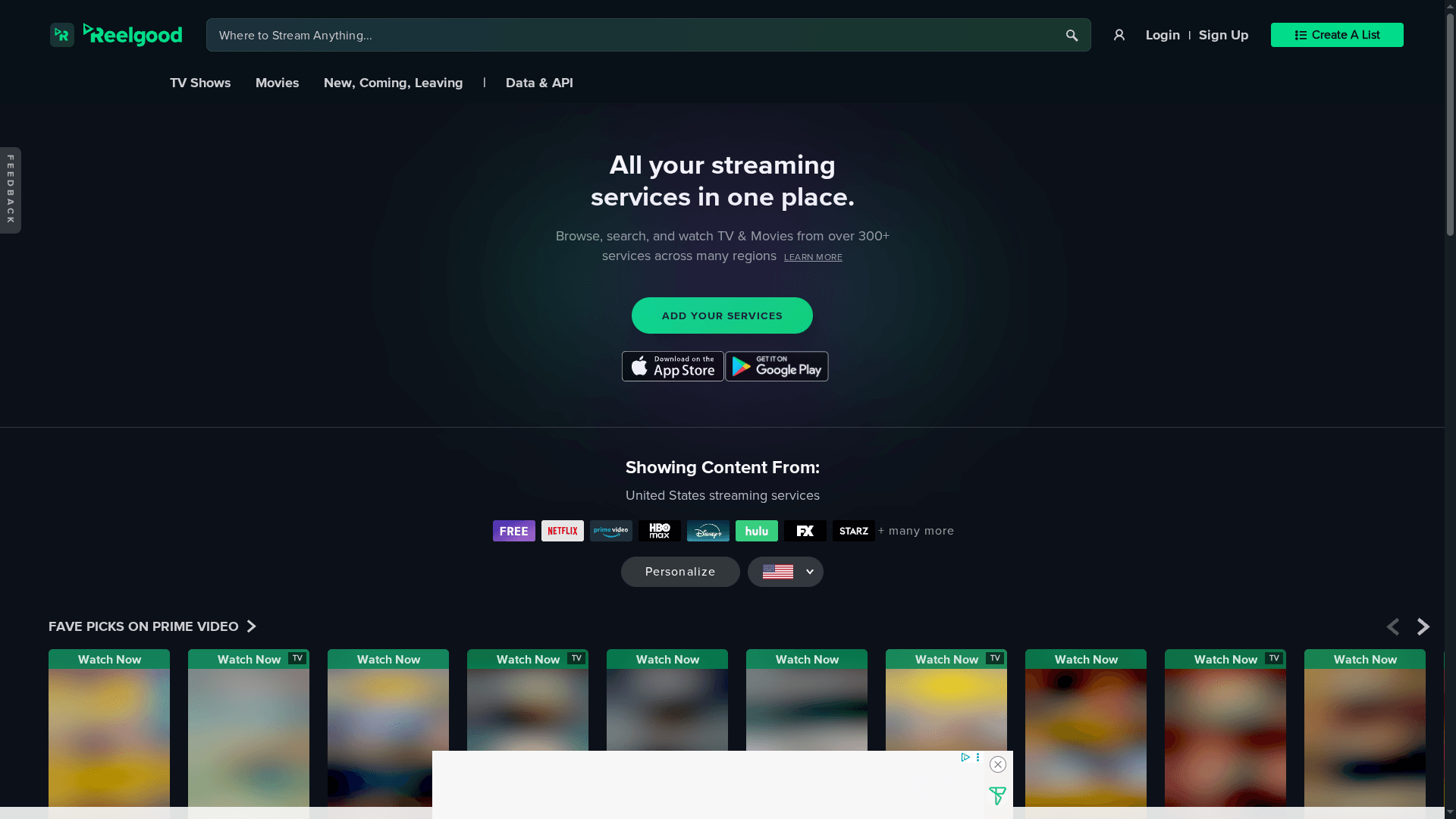
Reelgood is a discovery-first streaming search engine that brings more than 300 streaming services into a single browsing experience. If you subscribe to multiple platforms, it saves time by telling you where a show or movie is available, helps you build and track watchlists, and surfaces personalized recommendations and trending charts. It doesn’t host content — it points you to providers — but for users juggling subscriptions, its aggregation and tracking tools are highly practical.
Core Features
Reelgood aggregates content from over 300 streaming services and provides unified search and browsing so you can find titles across platforms without opening multiple apps. It supports list creation and watch tracking, delivers personalized recommendations based on your preferences, and showcases top trending TV shows and movies by region. Region-specific filtering and up-to-date top charts help you spot what’s popular in the United States and beyond.
Pros
- Comprehensive aggregation: Reelgood pulls listings from a wide range of services, making it easy to locate a specific title without switching between apps.
- Personalization and tracking: The platform lets you create lists and track what you want to see, which helps manage multiple subscriptions over time.
- Region-specific filtering: You can narrow results by region, which clarifies availability differences across territories.
- Efficient content discovery: The unified search and trending charts simplify finding new shows and movies you might otherwise miss.
- Timely top charts: Reelgood keeps up-to-date top charts for TV and movies, giving a quick read on what’s currently popular across services.
Cons
- Dependent on providers’ APIs for accuracy: Reelgood’s listings rely on streaming service data feeds, so availability can lag or be incomplete if providers don’t expose accurate API information.
- No direct playback hosting: The service only links to providers rather than hosting content, so you must still visit each streaming app or site to play a title.
- Potentially overwhelming interface for newcomers: Because it surfaces extensive cross-platform data and options, new users may find the interface dense until they learn common workflows.
Who It’s For
Reelgood is ideal for individuals who subscribe to multiple streaming services and want a unified, efficient way to discover, find, and track films and TV shows. It’s also useful for binge-watchers planning what to watch next and for anyone who wants a consolidated view of trending content across platforms.
Unique Value Proposition
Reelgood’s core strength is aggregation: it consolidates availability, recommendations, and trending data from hundreds of services into a single discovery hub. That centralized perspective reduces friction when you’re hunting for a title or curating a personal watchlist across many subscriptions.
Real World Use Case
Imagine you hear about a new movie and want to know where to watch it across your subscriptions. Reelgood searches across providers, shows availability by region, and lets you add the title to a watchlist for later. Quick, organized, and subscription-aware.
Pricing
Free to use, with potential premium features or integrations offered separately (not specified).
Website: https://reelgood.com
TV Guide
At a Glance
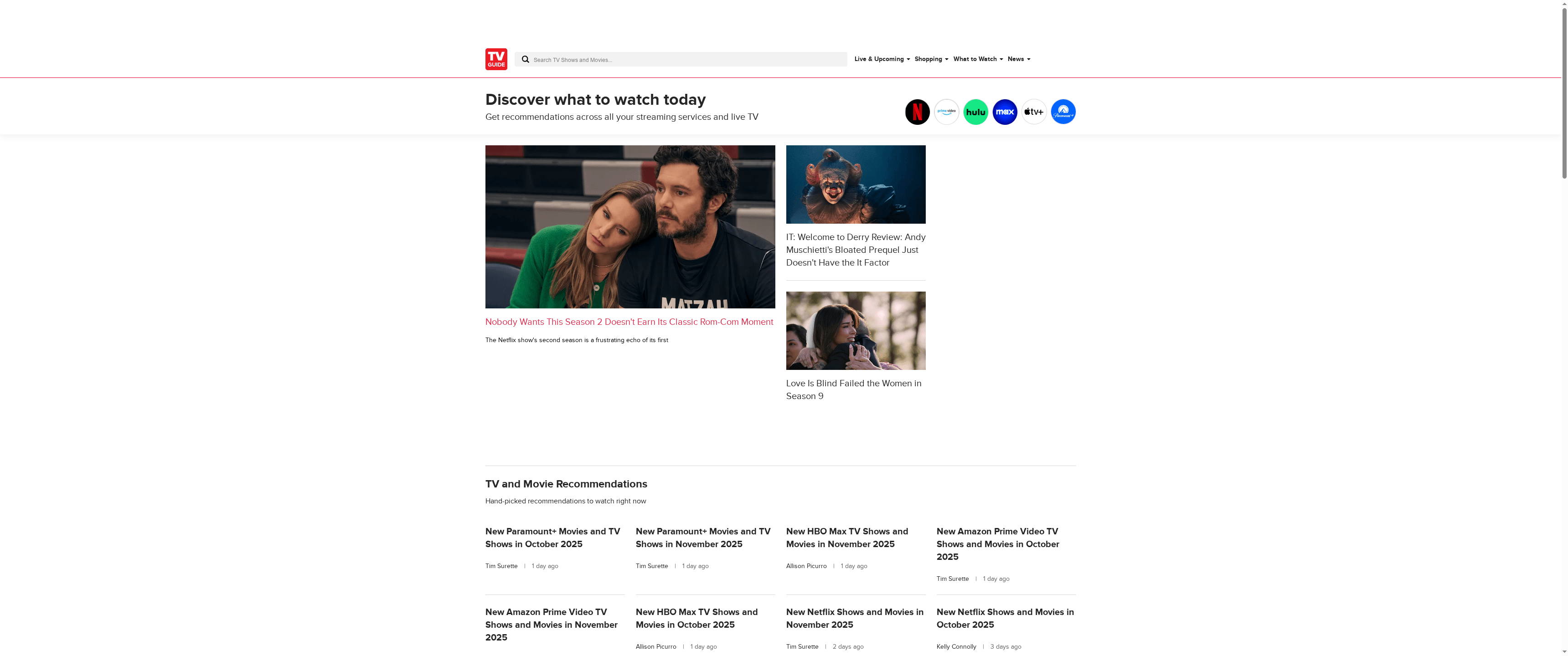
TV Guide is a centralized resource for what to watch today across live TV and streaming platforms, combining listings, recommendations, and entertainment news in one place. Its strength lies in breadth: up-to-date TV listings, streaming service guidance, and review coverage aimed at helping you decide quickly. The site reads like a daily companion for binge-watchers and casual viewers alike. Bottom line: excellent for discovery and scheduling, less so if you need a direct streaming or subscription service.
Core Features
TV Guide delivers core capabilities that match its mission to help you discover and schedule entertainment: comprehensive TV listings and live TV schedules, curated streaming service recommendations and integrations, frequent entertainment and celebrity news updates, dedicated TV and movie reviews, and trending coverage of popular titles. Those elements work together to surface what’s airing right now, what’s new on streaming platforms, and critical perspectives to help you choose. The site also supports user accounts for lightweight personalization of suggestions and listings.
Pros
- Comprehensive TV listings and recommendations: The platform aggregates schedules and suggestions so you can quickly find what’s on across live TV and streaming services.
- Updated news and reviews in the entertainment industry: Regular news and review content keeps you informed about releases, industry developments, and critical takes on shows and movies.
- Includes streaming service integrations for personalized suggestions: Integrations allow recommendations to reflect multiple services, which helps narrow down choices based on where you already subscribe.
- Extensive coverage across genres and platforms: The site covers a wide range of shows and movies, making it useful whether you like drama, comedy, documentaries, or big franchise titles.
- User account options for customization: Account features let you tailor listings and recommendations to your preferences, saving time when you’re scanning schedules.
Cons
- Website content appears promotional and news-focused, not a direct streaming platform: TV Guide does not host or stream content itself, so you’ll still need separate services to watch.
- No detailed app or subscription service info available from the scraped content: There’s limited information about dedicated apps or subscription mechanics in the provided data, which can leave gaps for users seeking platform-specific details.
- Limited interaction or interactive features in the provided content: The site emphasizes information and editorial content more than interactive tools like watch party integration or advanced filtering.
Who It’s For
TV Guide is ideal for entertainment enthusiasts who want a single, reliable hub to find what’s airing now, discover new shows and movies, and read timely reviews and news. If you curate watchlists, follow release schedules, or decide plans around primetime and streaming drops, this is designed for you.
Unique Value Proposition
TV Guide’s unique value is the combination of live TV schedules, cross-platform streaming recommendations, and editorial coverage in one accessible place, making discovery and scheduling fast and intuitive without hopping between multiple news sites and service menus.
Real World Use Case
Imagine you want tonight’s options: you check TV Guide to see live schedules, read a short review for a new series, and spot that the show is available on a streaming service you subscribe to—then pin it to your profile. Quick, informed decision-making.
Pricing
Free tier available — free access to content and listings, with optional account creation for personalization.
Website: https://tvguide.com
FlixPatrol
At a Glance
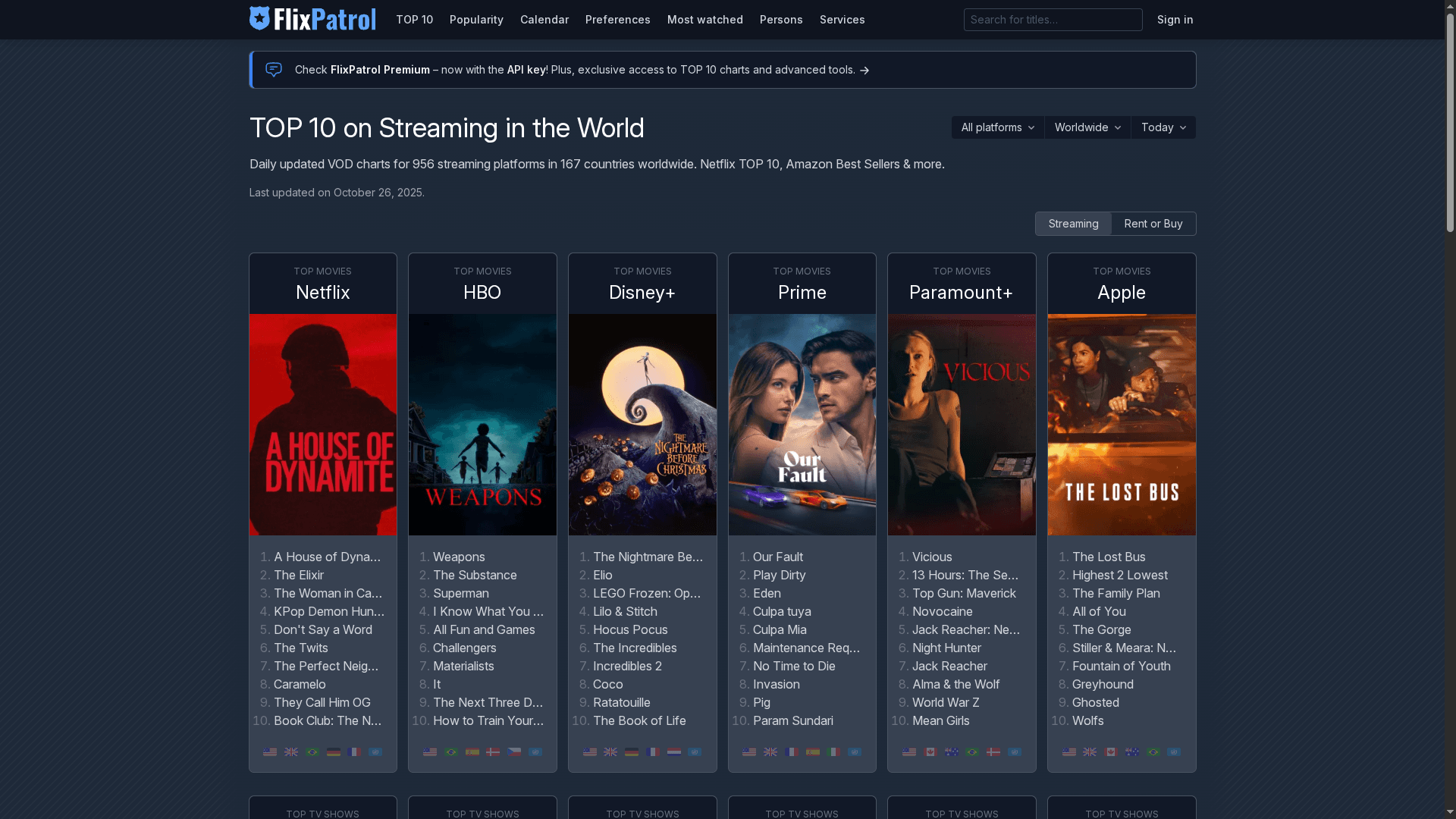
FlixPatrol delivers daily-updated charts and analytics that help you spot what’s trending across the major streaming services right now. It’s a data-forward platform aimed at both industry pros and engaged viewers who want more than casual recommendations. The interface can feel dense at first, but once you learn where the charts and country filters live, you get fast, actionable insights about popularity and release timing.
Core Features
FlixPatrol’s core capabilities center on top 10 charts and time-sensitive ranking data for movies and TV shows across platforms such as Netflix, HBO, Disney+, and Amazon Prime. It provides daily VOD charts, global and country-level popularity analytics, upcoming release schedules, historical trend tracking, and streaming engagement metrics. For teams that need to ingest data, FlixPatrol also exposes premium API access for integration and deeper analysis.
Pros
- Extensive global coverage: FlixPatrol tracks content across numerous streaming services worldwide, giving you a broad view of what’s succeeding regionally and globally.
- Daily updates keep data fresh: Rankings and VOD charts refresh daily, so your decisions are based on current viewer behavior rather than stale lists.
- Detailed analytics and comparisons: The platform offers trend tracking and comparison tools that let you analyze a title’s trajectory over time and versus competitors.
- Valuable for professionals and dedicated viewers: Marketers, media analysts, and committed viewers can all extract meaningful insights from the public charts and premium feeds.
- Public charts plus API options: You can access free public charts for quick looks or opt for paid API access to plug FlixPatrol data into dashboards and workflows.
Cons
- Complex interface that needs time to learn: New users may find the layout and filtering options overwhelming until they familiarize themselves with the platform.
- Dependence on available regional data: Coverage quality can vary by country and platform, so some markets or services may have sparser data.
- API and advanced features may require payment: Access to the full suite of analytics and integrations is limited to paid plans or cooperation arrangements, which may not suit casual users.
Who It’s For
FlixPatrol is ideal for media analysts, content marketers, streaming service operators, and avid viewers who want empirical insights into what audiences are watching. If you need to plan programming, benchmark titles, or shape promotional tactics around trending content, FlixPatrol gives you the empirical backbone to act confidently.
Unique Value Proposition
FlixPatrol’s unique strength is its combination of daily-updated, platform-spanning charts with exportable analytics and API access. That makes it both a quick reference for trends and a data source you can operationalize within marketing stacks or research reports.
Real World Use Case
A streaming platform’s content marketing team uses FlixPatrol each morning to identify spikes in viewer interest and to prioritize promotional pushes for titles that are trending in key territories — then measures campaign impact against the platform’s subsequent chart movement.
Pricing
Quote-based; details are not specified publicly — contact FlixPatrol via the website for cooperation and API access.
Website: https://flixpatrol.com
Flickmetrix
At a Glance
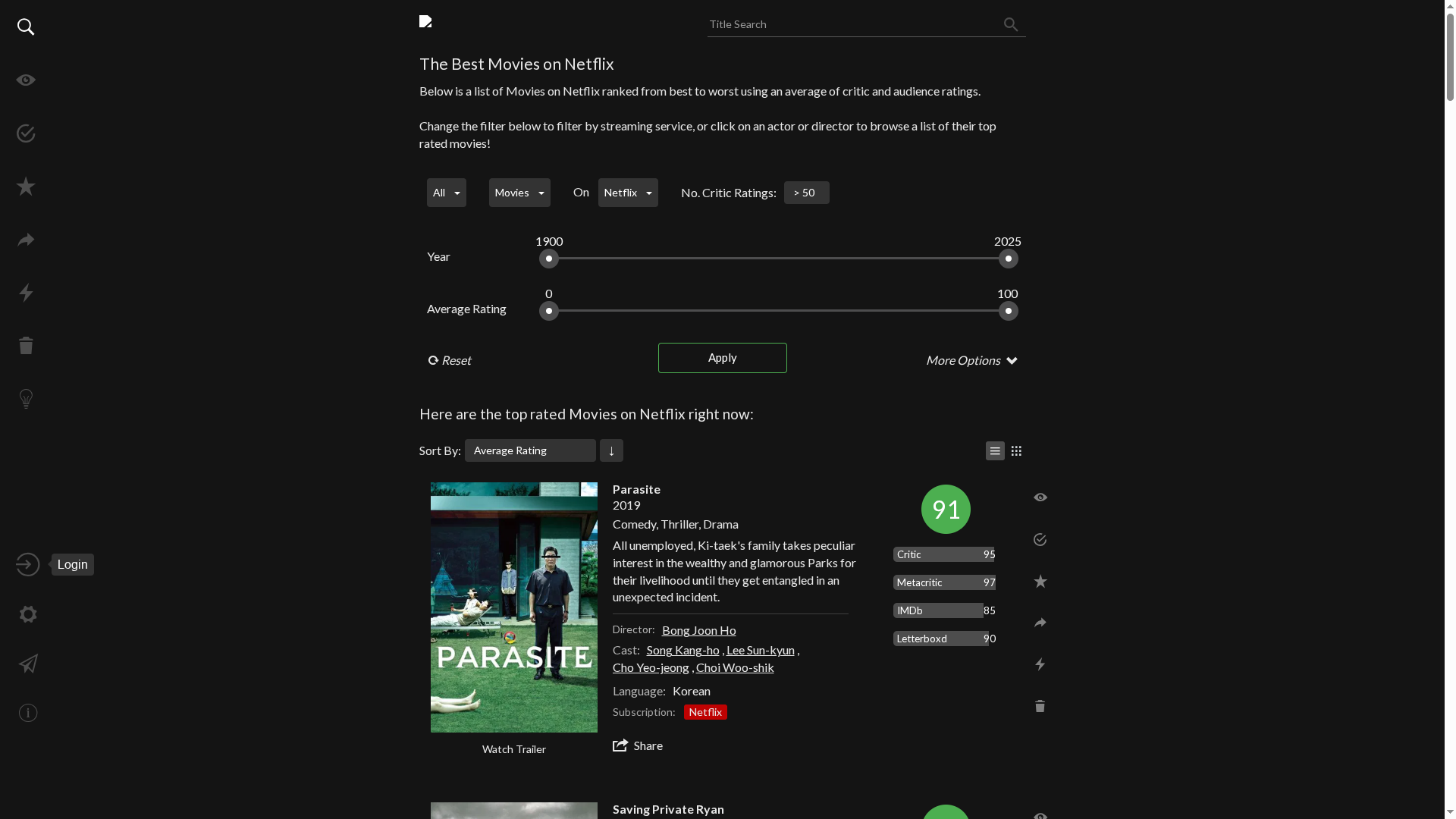
Flickmetrix is a focused platform for browsing, tracking, and discovering movies and TV shows, built around watchlist management and personalized suggestions. It excels at helping enthusiasts organize viewing preferences and maintain lists of what they want to watch. However, the available information is limited, so some advanced capabilities and pricing details remain unclear. If you want a straightforward organizer with recommendation features, Flickmetrix looks promising. If you need full product transparency, expect to do a little digging.
Core Features
Flickmetrix centers on a compact set of tools designed to simplify discovery and organization. According to the provided details, it lets you browse movies and TV shows, manage watchlists and favorites, apply filters to refine browsing results, and create organized lists. Personalized recommendations and account alert settings are included, which suggests the platform tailors suggestions to your tracked tastes. The feature set reads like a essentials-first approach: discovery, curation, and simple personalization.
Pros
- User-friendly interface for browsing and organizing content: The platform is described as easy to use, which should lower the barrier to entry for casual and serious viewers alike.
- Personalized recommendations: Flickmetrix provides tailored suggestions to help you find new titles based on your preferences.
- Ability to manage watchlists and favorites: You can create and maintain watchlists that keep upcoming and must-see titles in one place.
- Filtering options for search refinement: Filters help narrow down results so you can locate specific genres, years, or other criteria more quickly.
- Account and alert settings: Account-level controls and alerts mean you can receive updates or reminders tied to your watchlist and preferences.
Cons
- Limited detailed information from provided content: The available dataset lacks in-depth descriptions of advanced features, leaving several questions unanswered.
- No specific pricing details available: Pricing information is not provided, so you can’t evaluate value or plan options from the given material.
- Potentially limited features based on the homepage content: The visible features suggest an essentials-focused product, which may mean fewer advanced tools compared with broader entertainment platforms.
Who It’s For
Flickmetrix is ideal for movie and TV show enthusiasts who primarily want a clean, focused tool to organize what they plan to watch and to receive tailored recommendations. If you value straightforward watchlist management, curated suggestions, and simple filtering over heavy-duty analytics or integrated streaming playback, this is a sensible fit.
Unique Value Proposition
Flickmetrix’s strength lies in combining practical watchlist management with personalized discovery in a single, focused interface. It positions itself as a lightweight curator: not an all-in-one streaming service, but a companion that helps you organize tastes and discover what to watch next.
Real World Use Case
Imagine creating a watchlist of upcoming releases, tagging favorites, and checking the site for tailored recommendations based on your entries. You’d use filters to find movies from a specific era or genre and set alerts to stay informed—keeping your viewing queue organized without juggling spreadsheets or multiple apps.
Pricing
Not specified in the provided content.
Website: https://flickmetrix.com
Yidio
At a Glance
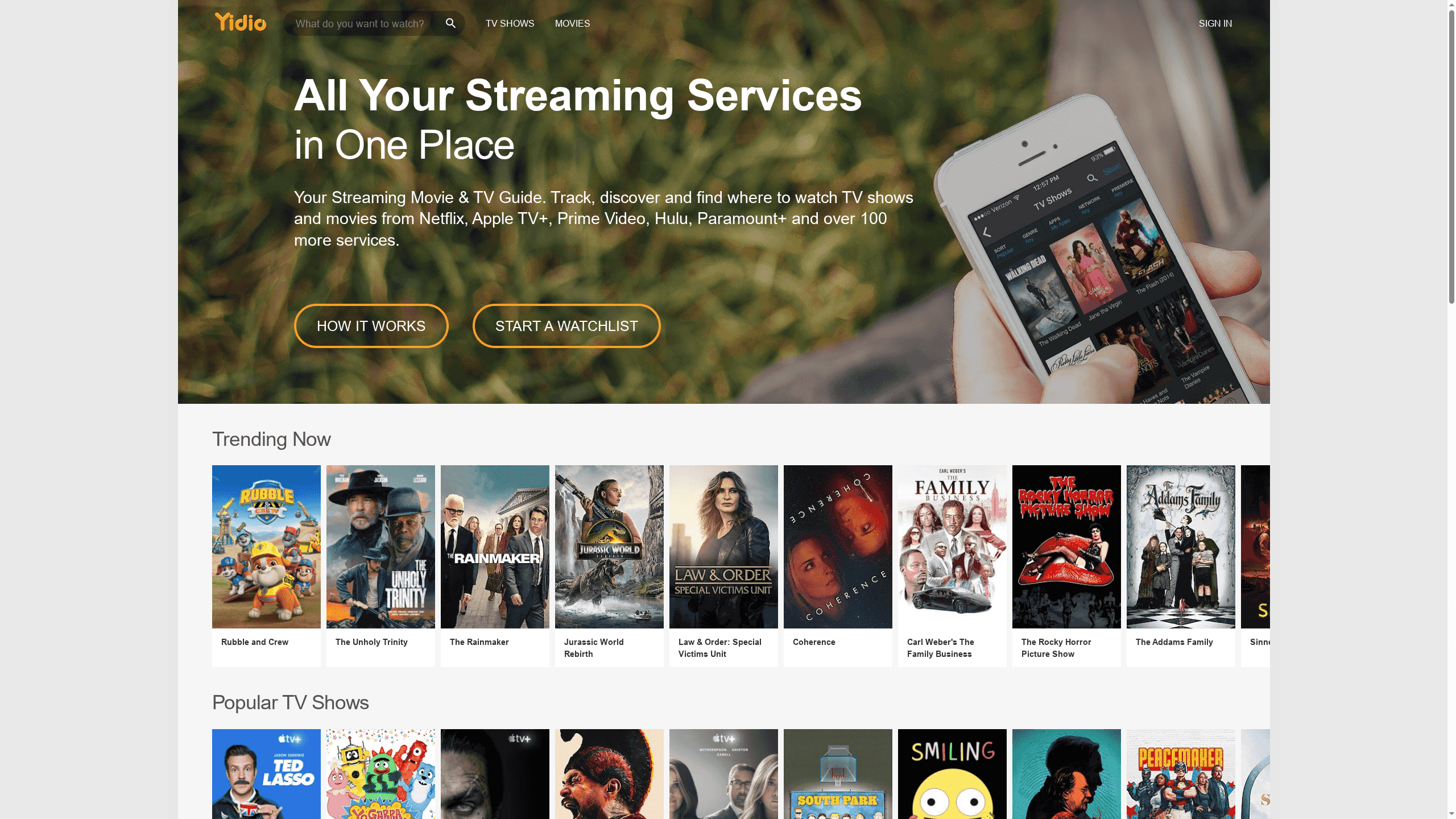
Yidio is a free streaming guide that aggregates content from more than 100 streaming services to help you discover where to watch movies and TV shows. It centralizes watchlists, delivers personalized recommendations and notifications, and maintains a trending feed plus a TV schedule for specific dates and times. If you subscribe to multiple platforms and want one place to track new episodes and releases, Yidio simplifies the hunt. It doesn’t stream content itself — think of it as the map, not the territory.
Core Features
Yidio’s core capabilities focus on discovery and organization rather than playback. It aggregates metadata and availability across 100+ streaming services, offers personalized recommendations and push or email notifications, highlights a “Trending Now” section for popular titles, provides a TV schedule tied to dates and times, and includes a watchlist to save content for later. Those combined features let you quickly locate a title’s availability, plan viewing, and get alerted when new episodes or releases appear.
Pros
- Consolidates many services into one view: Yidio brings listings from over 100 streaming platforms together so you don’t have to search each app individually.
- Personalized recommendations keep discovery relevant: The personalized suggestions tailor your feed to what you like, helping you cut through endless catalogs.
- Timely notifications and tracking: Yidio notifies you about new episodes and releases so you stay on top of the shows you follow without manual checking.
- Up-to-date schedules and trending lists: The TV schedule and trending now section make it easy to see what’s airing and what’s popular right now.
- Free to use for browsing and discovery: You can use Yidio’s core discovery tools and watchlist features without a subscription, lowering the barrier to try it.
Cons
- Does not host or stream content directly, it acts solely as a guide: You will still need to open the external platform to watch any title you find.
- Dependent on external platforms for viewing availability and links: If a service changes availability or removes titles, Yidio’s listings reflect those external changes rather than controlling them.
- User interface may vary and affect experience between updates: Some users might find the UI inconsistent after updates, which can make navigation feel uneven at times.
Who It’s For
Yidio is best for viewers who subscribe to multiple streaming platforms and want a single, organized way to discover and track content. If you bounce between Netflix, Hulu, Prime Video, Apple TV+, Paramount+, and other services, Yidio reduces the friction of searching, tracking, and remembering release dates. It’s also helpful for schedule-minded viewers who prefer planning what to watch on specific dates.
Unique Value Proposition
Yidio’s unique value lies in its role as a centralized discovery hub: it aggregates availability across 100+ services, pairs that aggregation with personalized recommendations and alerts, and adds scheduling context. In short: it finds where content lives and tells you when to watch it—without charging for the basic discovery features.
Real World Use Case
Imagine you want to watch a specific movie but aren’t sure which subscription carries it. You search Yidio, confirm which services list the title, add it to your watchlist, and set a notification for any new related episodes or releases. Later, when a new season drops, Yidio alerts you so you don’t miss it.
Pricing
Free to use
Website: https://yidio.com
TV and Movie Scheduling Tools Comparison
This table compares seven popular platforms for TV and movie scheduling, listings, and discovery, highlighting their core features, pros, cons, and pricing.
| Platform | Key Features | Pros | Cons | Pricing |
|---|---|---|---|---|
| Spare Time TV | Primetime listings, streaming premieres, top-10 lists, thematic updates. | Comprehensive schedules, covers TV & streaming, updated lists, added entertainment value, consistently updated. | Lacks personalized recommendations, no streaming integration. | Free |
| IMDb | Ratings, reviews, trailers, streaming info, celebrity galleries. | Comprehensive database, multimedia availability, customizable discovery, updated content, special features. | Information density, cluttered navigation, restricted content, ads present. | Free (with options) |
| JustWatch | Streaming availability search, cross-device watchlist, top charts, sports streaming details. | Consolidates services, personalized recommendations, timely updates, sports details, watchlist syncing. | Limited cost details, interface complexity, provider dependency for updates. | Free |
| Reelgood | Aggregation from 300+ services, watchlist management, region-specific filtering, trending charts. | Comprehensive aggregation, personalization and tracking, efficient content discovery, region filtering, timely top charts. | Dependent on provider data, no playback hosting, potentially overwhelming for newcomers. | Free |
| TV Guide | TV listings, streaming recommendations, entertainment news, reviews, user accounts. | Comprehensive listings and recommendations, updated news and reviews, streaming integrations, user account options. | Promotional focus, lacks streaming service info, limited interactive features. | Free |
| FlixPatrol | Daily-updated charts, global and country analytics, trend tracking, API access. | Global coverage, daily updates, detailed analytics, valuable for professionals, API options. | Complex interface, regional data dependency, paid API for full features. | Quote-based |
| Flickmetrix | Watchlist management, personalized recommendations, filtering, account alerts. | User-friendly interface, personalized recommendations, watchlist management, filtering options, alert settings. | Limited detail, unspecified pricing, fewer advanced tools. | Not specified |
| Yidio | Aggregates 100+ services, recommendations, notifications, watchlist, TV schedule. | Consolidates services, personalized discovery, timely notifications, trending lists, free to use. | Guide only, dependent on external platforms, UI inconsistency. | Free |
Discover Your Perfect Streaming Experience with SpareTimeTV
Choosing the top streaming platform for movies in 2025 can be overwhelming. The article highlights how viewers struggle to keep up with ever-changing availability, multiple subscriptions, and confusing schedules. You want clear answers on what to watch and where to find the best new releases without wasting time searching across apps. This is where Spare Time TV steps in. Our site focuses on delivering up-to-date streaming premieres, primetime schedules, and top-rated movie listings that save you hours of frustration.
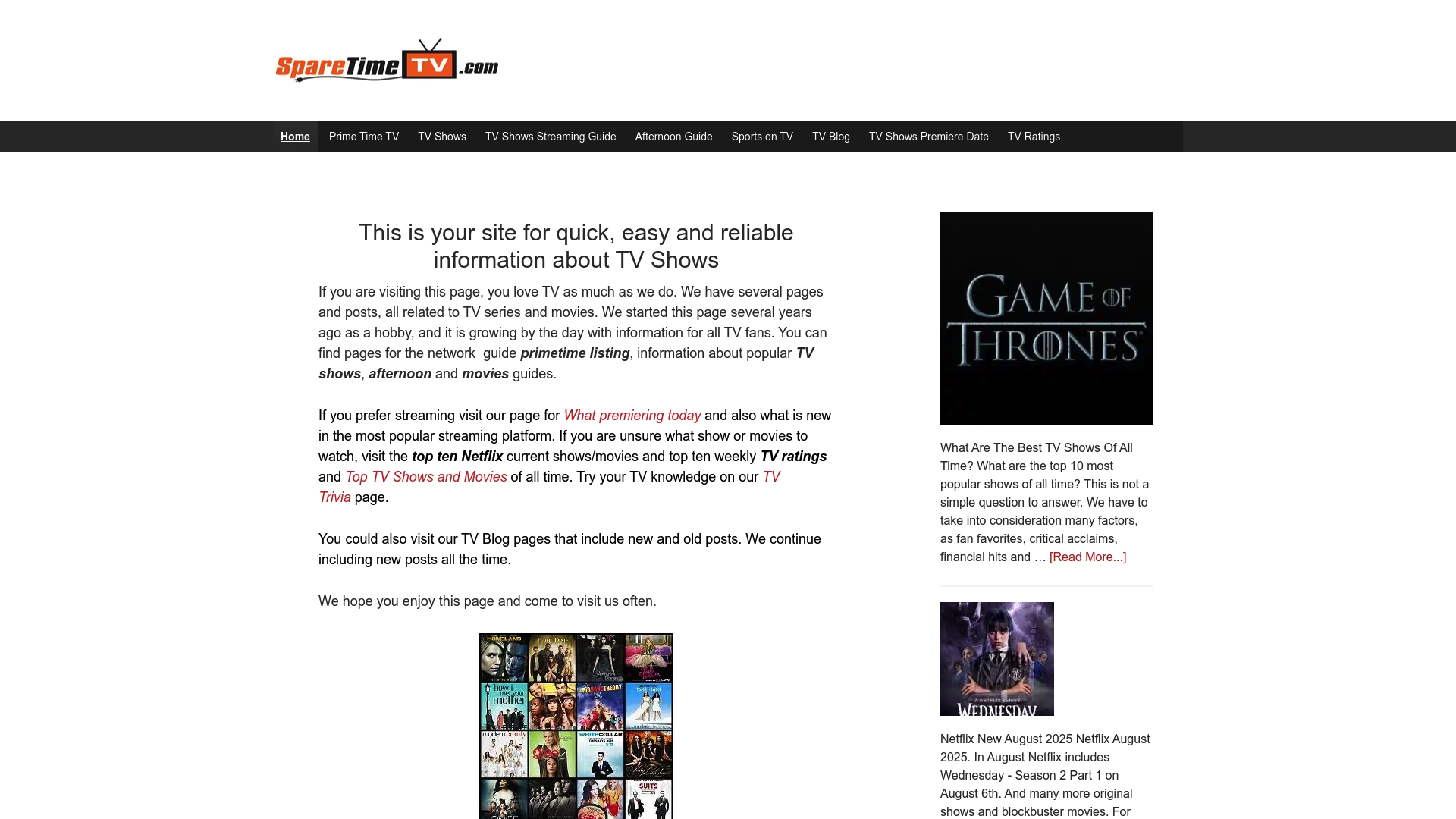
Don’t wait to get lost in the crowd of options and endless scrolling. Visit Spare Time TV now to access clear, regularly updated TV and movie guides. See what is trending on major streaming platforms like Netflix and plan your entertainment simply and confidently. Explore our easy-to-scan tables and curated lists today and transform the way you choose your next watch from a chore into an exciting moment.
Frequently Asked Questions
What should I look for in a streaming platform for movies in 2025?
To choose the best streaming platform for movies, consider factors like the variety of content, streaming quality, subscription costs, and the availability of features like offline viewing. Analyze these aspects based on your viewing habits and preferences to make an informed decision.
How do I compare subscription costs across different streaming platforms for movies?
To compare subscription costs effectively, list the monthly fees for each platform alongside what’s included with each tier. This allows you to see which options fit your budget and provide the best value for the types of movies you enjoy.
What are the most important features to evaluate in the 2025 movie streaming platforms?
Key features to evaluate include the size of the movie library, user interface, content recommendation algorithms, and options for personalization. Make a checklist of these features and rate each platform based on your experience or preferences to determine the best fit for your viewing needs.
How can I test different streaming platforms for movies before committing?
Many streaming platforms offer free trials that allow you to test their services without commitment. Sign up for these trials, typically lasting 7-30 days, to explore their library and features before deciding on a subscription.
What should I do if I want to switch streaming platforms for better movie options?
If you want to switch platforms, first research and evaluate your current subscriptions compared to your target platforms. Cancel your existing subscription, ensuring you take advantage of any ongoing offers, and subscribe to the new platform that meets your movie-watching needs more effectively.
Recommended
- Understanding Why Stream Movie Premieres for Fans – Sparetimetv
- Understanding Why Streaming Premieres Succeed Today – Sparetimetv
- Movies Streaming Guide – Sparetimetv
- What is a Streaming Premiere? Understanding the Concept – Sparetimetv
- Content Distribution Strategies for 2025: Boost Reach & Results
- Best Onlyfans Alternatives 2025 – Expert Comparison – FanSpicy